Welcome to the Wa-Hi-Nasa App!
Select your operating system below for instructions on how to install the app.

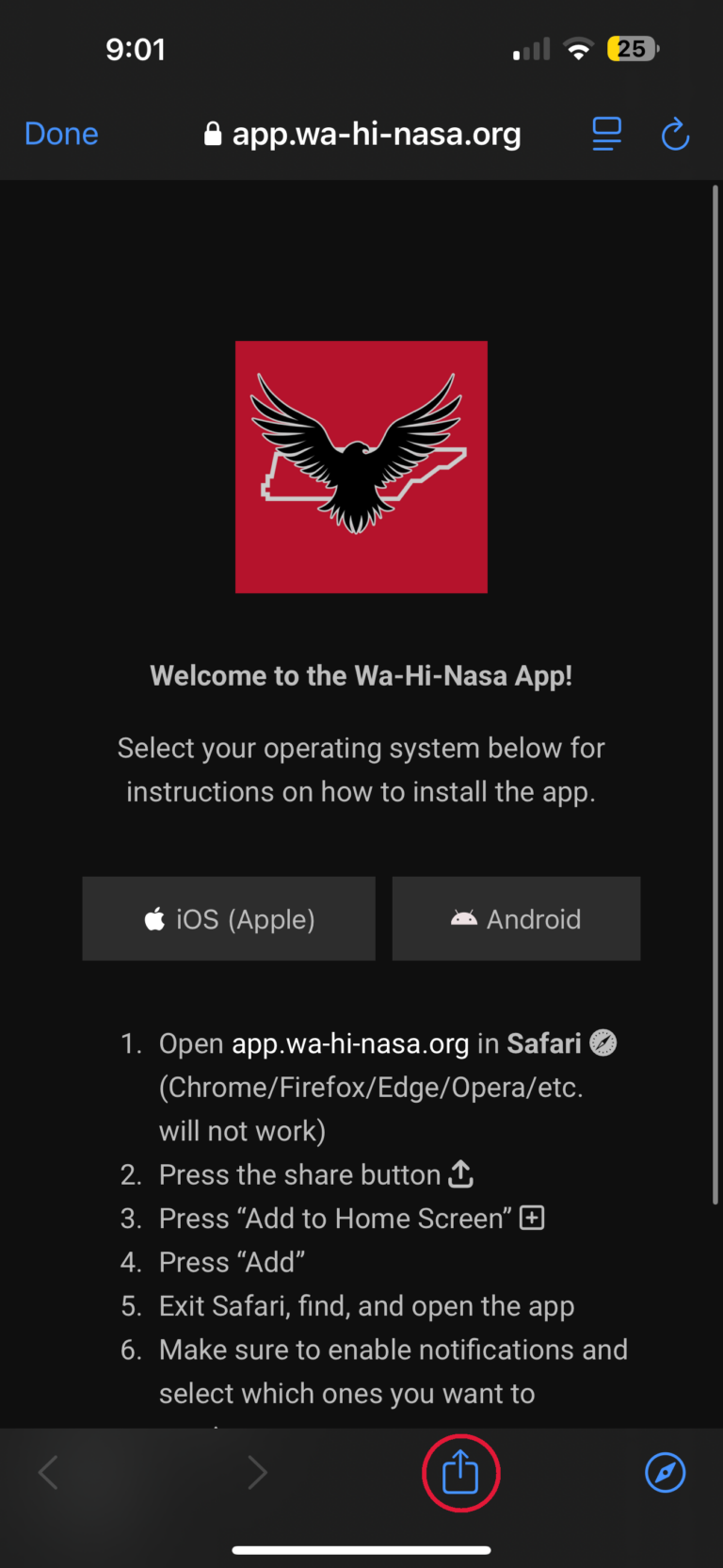
- Open app.wa-hi-nasa.org in Safari (Chrome/Firefox/Edge/Opera/etc. will not work)
- Press the share button
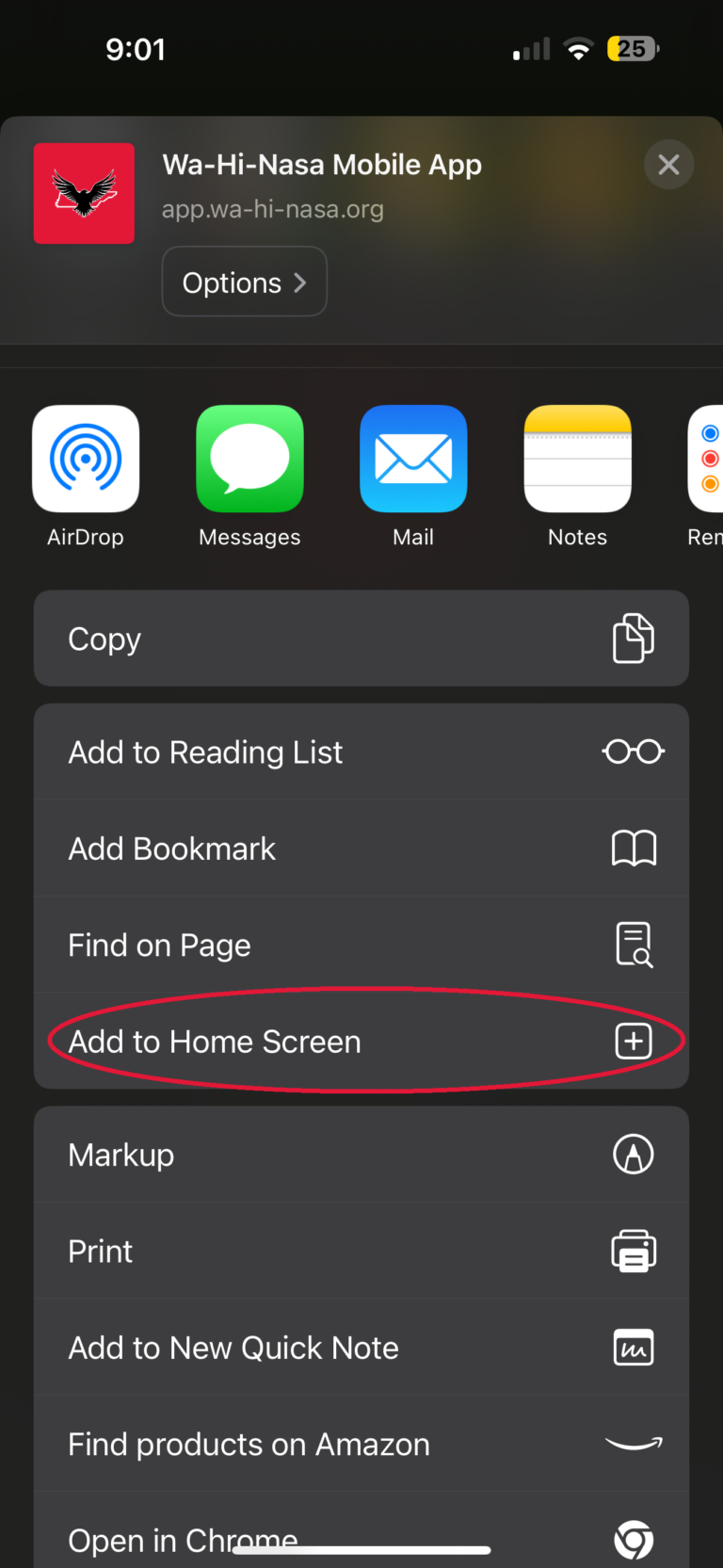
- Press “Add to Home Screen”
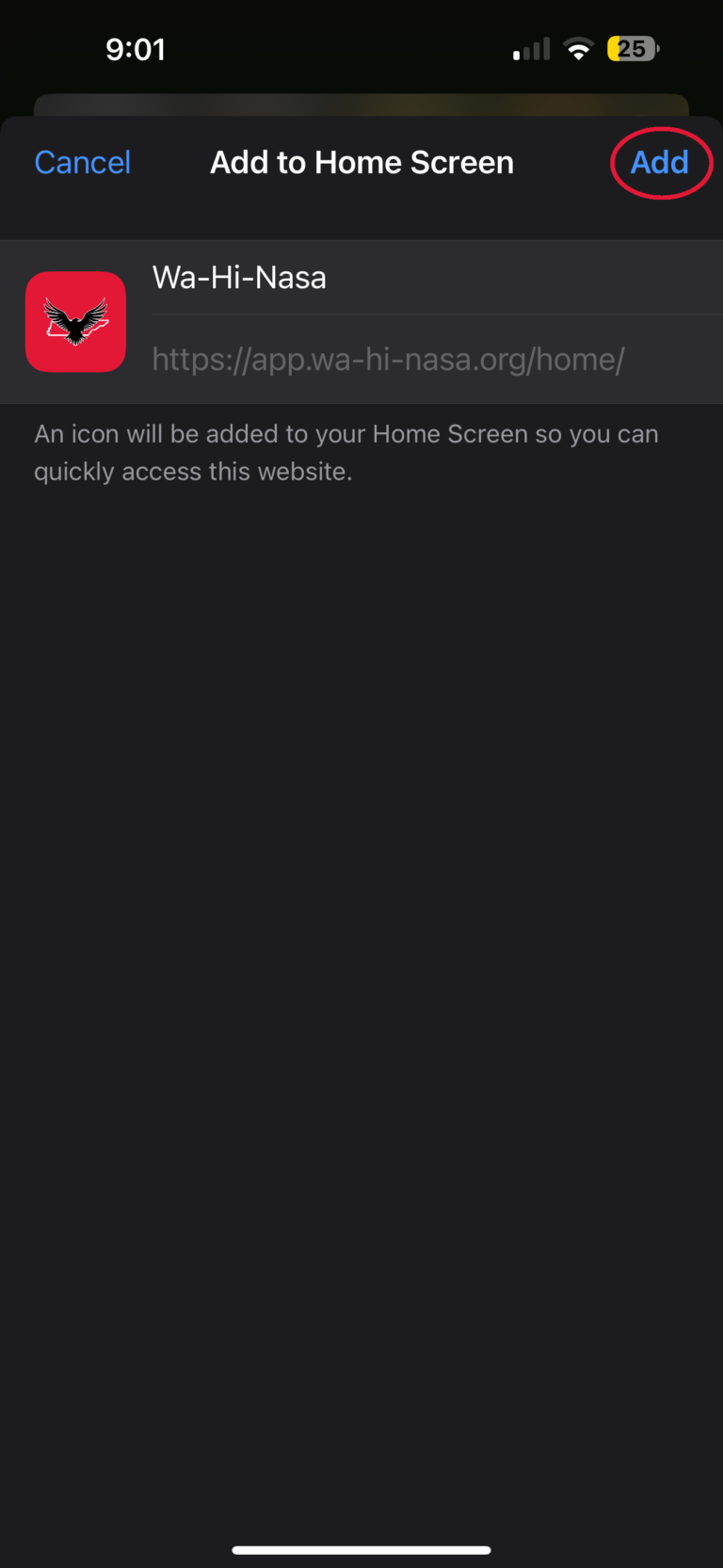
- Press “Add”
- Exit Safari, find, and open the app
- Make sure to enable notifications and select which ones you want to receive
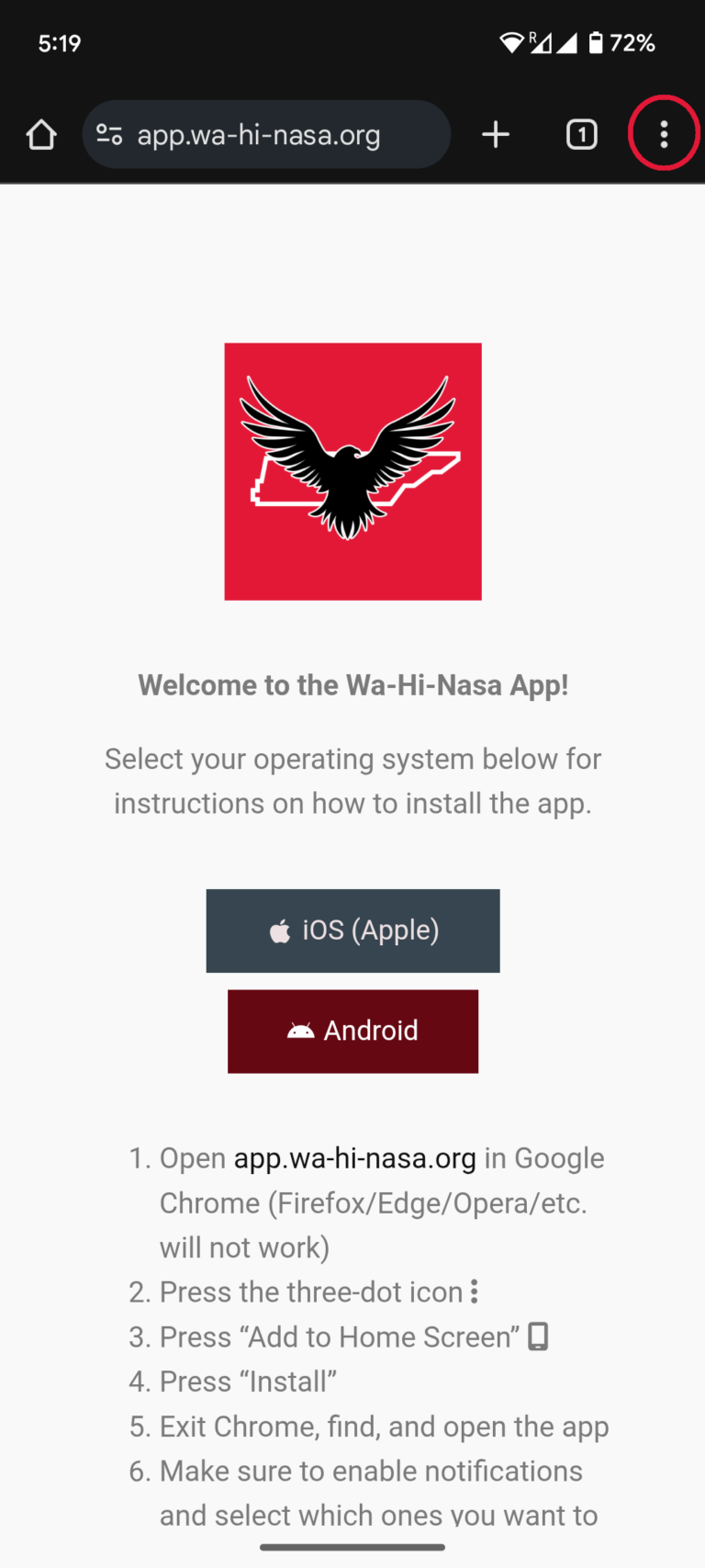
- Open app.wa-hi-nasa.org in Google Chrome (Firefox/Edge/Opera/etc. will not work)
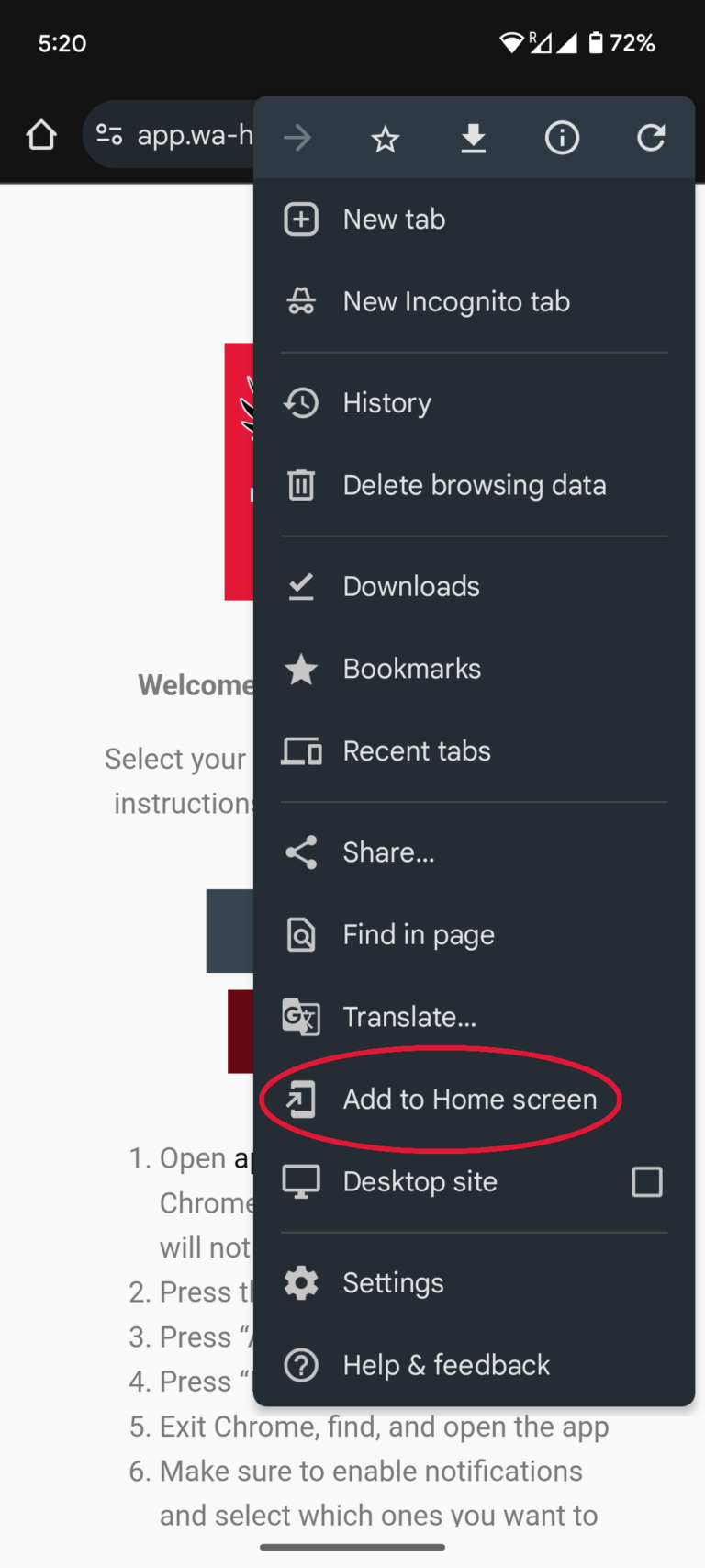
- Press the three-dot icon
- Press “Add to Home Screen”
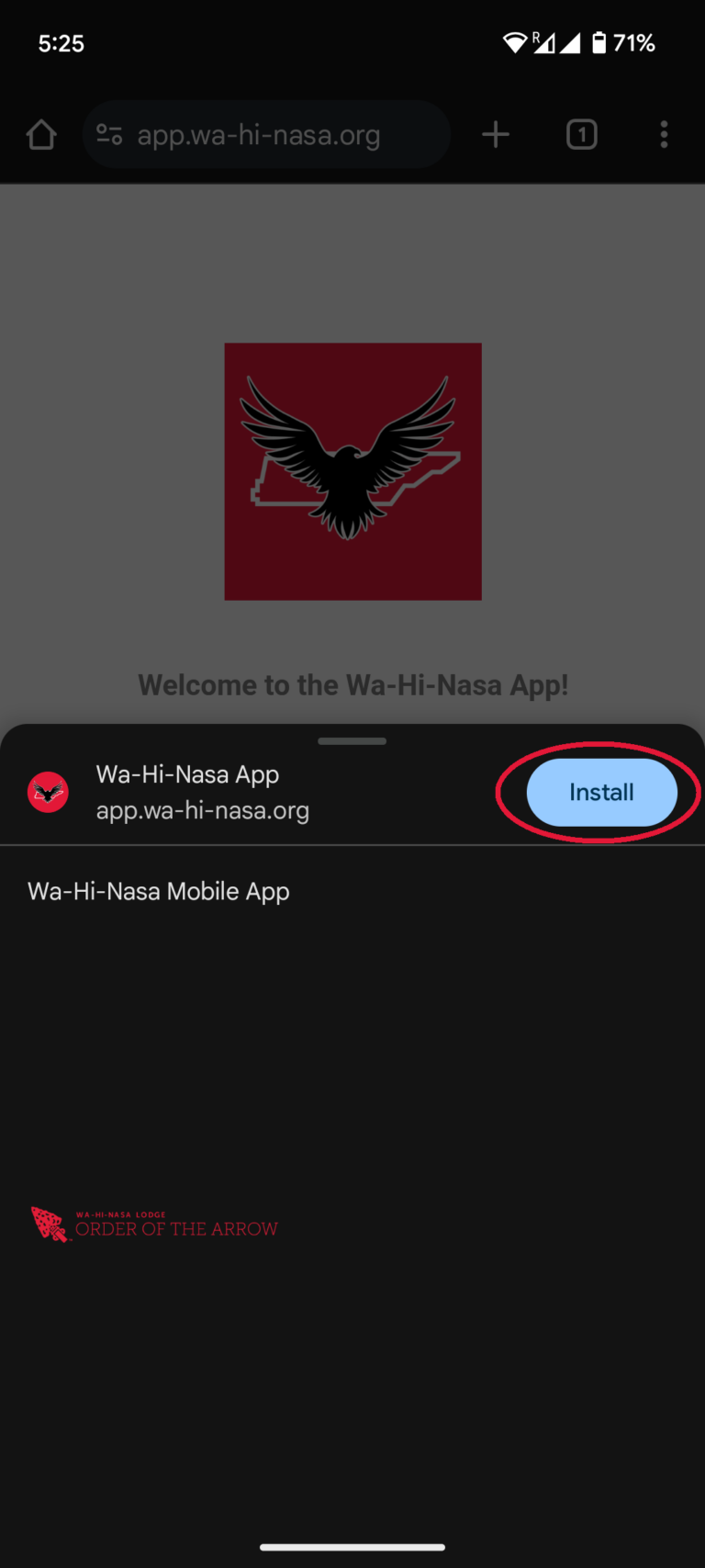
- Press “Install”
- Exit Chrome, find, and open the app
- Make sure to enable notifications and select which ones you want to receive